Describe the idea
Start with a story, a mood, a few words, or lyrics you have already written.
Orphix turns your idea into a vocal song or instrumental track. In the app, you can turn a finished track into a video clip or record your own voice for a new song.
 MADE WITH ORPHIX
Four ideas, four different sounds. Press play and imagine where your own story could go.
Listen to real examples of music created with Orphix.
02 / THE PROCESS
You do not need to read music or know how to mix. Bring the idea, and Orphix helps turn it into a track.
Start with a story, a mood, a few words, or lyrics you have already written.
Explore pop, rock, hip-hop, electronic, and more. Go with vocals or keep it instrumental.
Your track appears in your library, ready to replay, download, or share.
03 / MAKE IT YOURS
One idea can become a personal gift, a new demo, or the soundtrack to a moment worth keeping.

Add a name, a detail, or a shared memory and turn it into a musical gift for someone close.

Test styles, find the right mood, and keep musical sketches close when inspiration arrives.
ALL IN ONE PLACE
Your tracks, favorites, and playlists stay together in your library, so ideas do not disappear into files and links.
Download on the App Store04 / GO BEYOND THE TRACK
Keep creating in the Orphix app: make a video clip for a finished track or record your voice to use in a new song.
 01 / VIDEO
Choose a finished track, add a portrait, pick a style and song segment, then share the clip.
Explore music clips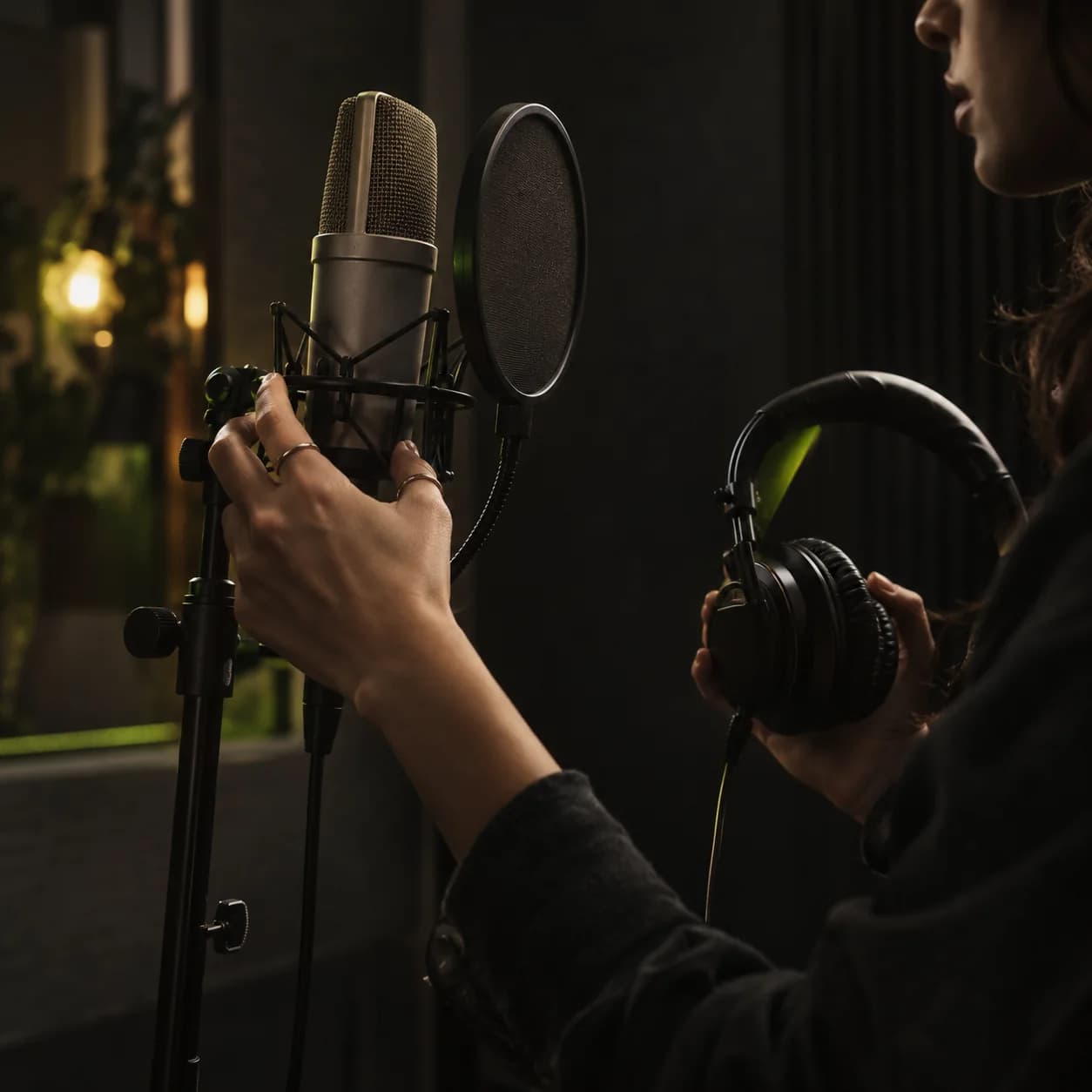 02 / VOICE
Record yourself singing in the app, wait for voice processing, then select your voice for a new song.
Explore own voice05 / FIND YOUR STARTING POINT
Start with an occasion, a shared memory, lyrics you already wrote, or simply a feeling. Pick the path that fits your idea and make it yours.
SIX WAYS TO START / YOUR OWN SOUND06 / FAQ
Create vocal songs and instrumental tracks from a text prompt. In the app, you can also make a clip from a finished track and portrait, or record your own voice for a new song.
No. Describe your idea in everyday language, and Orphix can help with lyrics, music, and vocals. You can also start with lyrics of your own.
Yes. Select an instrumental track with no lyrics or vocals.
In the mobile app, choose a finished track, add a portrait, pick a visual style and song segment, and create a clip you can share.
Yes. Record yourself singing in the app, wait for your voice to be processed, then select it when creating a new track.
Created tracks appear in your library, where you can listen, download, and share them.
Orphix is available for iPhone and iPad on the App Store. You can also create a track in your browser.
YOUR NEXT SONG STARTS HERE
Download Orphix and make music you want to play again.