Sing the guided song
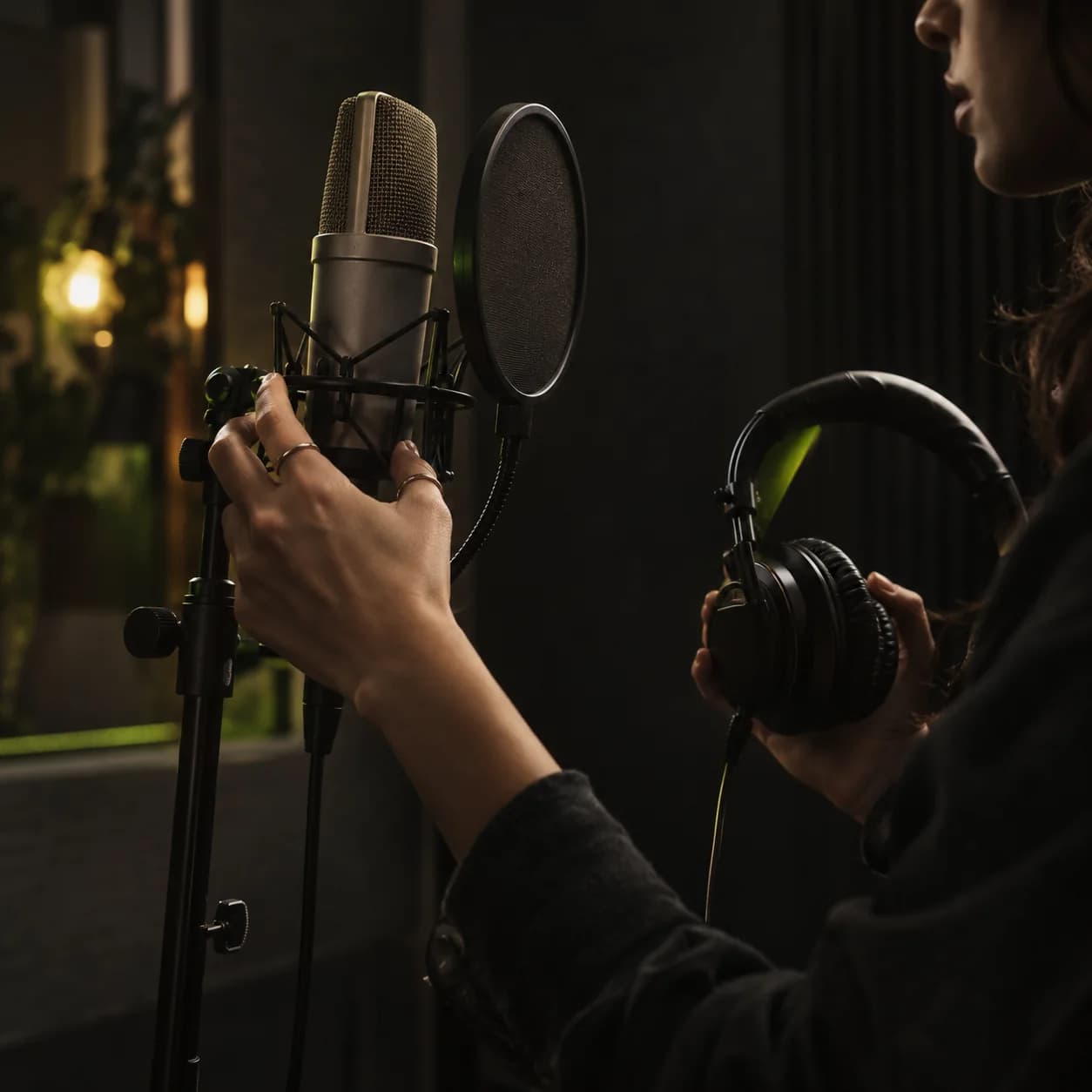
Open “Add your voice” and choose a song to record. The app shows its lyrics; allow microphone access and record yourself singing them.
YOUR VOICE · YOUR SONG
In Orphix, you can record yourself singing, create a voice from that recording, and select it when making a new song. Start with a guided vocal recording in the app, then allow time for processing.
01 / HOW IT WORKS
Your voice is created in the mobile app. Record yourself singing, wait for processing, then choose the ready voice for a new song.
Open “Add your voice” and choose a song to record. The app shows its lyrics; allow microphone access and record yourself singing them.
Give the recording a name. While the voice is being processed, its status shows as Training. You can select it for music generation once it is ready.
Open track creation, switch on “Use your own voice,” choose a ready voice, then add lyrics or an idea and describe the music style.
02 / SONG IDEAS
These are fictional examples of musical directions after you select your voice. They have no matching audio demo and do not promise an exact result.
Warm indie pop with soft guitar and an unhurried beat. Personal lyrics about coming home after a long trip. Vocal: my ready voice selected in the app.
Start with a mood and instruments. If you wrote the words yourself, add them separately in the lyrics field.
A gentle pop ballad for the person I was with when the first snow fell. A quiet opening, a wider chorus, and the feeling of a real conversation.
One specific memory makes the idea personal. Check your lyrics and selected voice before creating the track.
The tracks on our home page show Orphix music in general; they are not demos of a user's own voice. The ideas above are illustrative prompts.
Hear real tracks03 / BEFORE RECORDING
Your sung recording is the starting material for voice processing. These tips help you through the flow, but cannot guarantee a particular sound in the finished track.
Try to record where there is less background noise. You can stop and restart in the app if you lose your place.
The selected song's lyrics appear on screen. Sing expressively at a comfortable pace, then finish the recording in the app.
Processing can continue after you save. Only a voice marked ready can be selected for a new song.
04 / QUESTIONS
In the mobile app, open “Add your voice,” sing the guided song, and save your recording. After processing finishes, select that voice in track creation and choose the lyrics and sound for your new song.
The current flow uses a sung recording: the app provides a song and lyrics for you to sing. It is not a text-to-speech feature based on a short spoken command.
Recording and selecting your own voice are available in the Orphix mobile app. The web editor can create music but does not currently offer this own-voice flow.
The voice needs processing after you save it. Timing and resemblance depend on the processing and generated track. Wait for its ready status, then listen to the result yourself.
The app checks your balance for voice creation and track generation. Check the current terms and your available balance in Orphix before starting.
LET YOUR VOICE BE PART OF THE STORY
Download Orphix, record yourself singing, and use your voice in a new song once it is ready.